As a DevOps engineer, you must monitor disc use to ensure that your infrastructure is operating at peak efficiency. Excessive disc usage can lead to sluggish reaction times, decreased performance, and even system failures. This blog article will go over how to utilise DataDog, a great tool for monitoring your infrastructure, to determine disc utilisation.
DataDog Overview
A cloud-based monitoring platform called DataDog gives you immediate access to information about your servers, applications, and infrastructure. It is an excellent tool for measuring metrics, keeping track on system performance, and alerting on anomalies. With the variety of connectors that DataDog provides, you can keep an eye on everything from databases to cloud services.
Disk Utilization
The quantity of disc space being consumed on your server is referred to as disc utilisation. It is crucial to monitor this indicator since it might show you when there are problems like low disc space, sluggish reaction times, and system failures. Continuous disc utilisation monitoring is required to guarantee that you are aware of any possible issues before they affect the operation of your system.
Using DataDog to Find Disk Utilization
DataDog provides several ways to monitor disk utilization, including Agent-based and Agentless approaches.
Agent-Based:
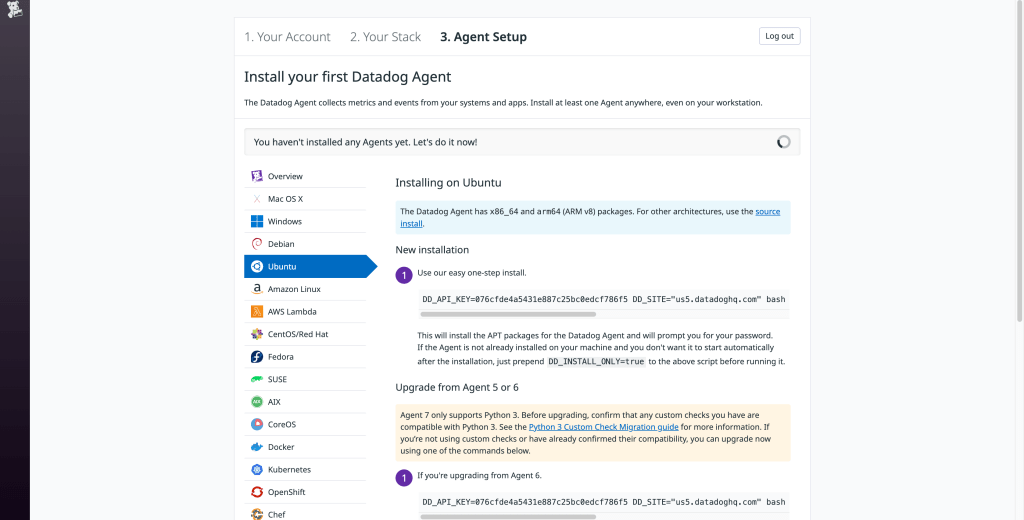
To monitor disk utilization using the DataDog agent, follow these steps:
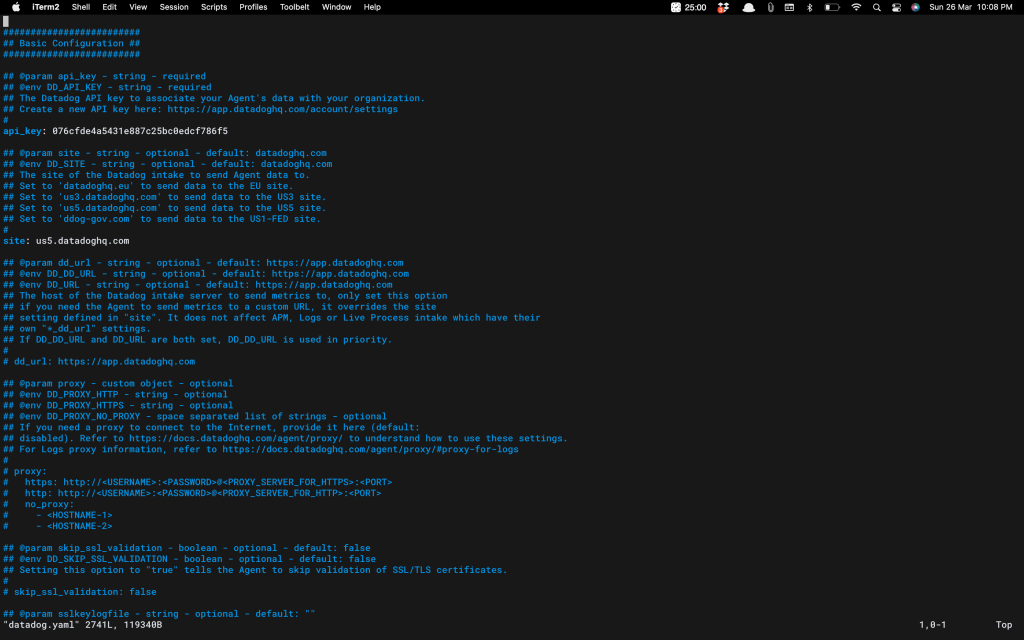
- Install the DataDog Agent on your server. You can do this by following the DataDog Agent Installation Guide.
- Once the agent is installed, the disk check is included in the Datadog Agent package, so you don’t need to install anything else on your server.
- You have however restart the service once just to make sure everything is working fine.
sudo service datadog-agent restartAssuming you are on Ubuntu too 😉. If not, here are the agent-commands according to OS.
- When the agent is up and running, go to Metrics > Explorer and look for the “system.disk.used” statistic to examine disc utilisation metrics on the DataDog dashboard.
Conclusion
In conclusion, monitoring disk utilization is crucial for maintaining a healthy and performing infrastructure. DataDog provides an easy way to monitor disk utilization, enabling you to identify potential issues before they impact your system’s performance. DataDog makes monitoring disk utilization simple and straightforward. By following the steps outlined in this blog post, you can start monitoring your disk utilization in no time. Happy monitoring!
 Eat | Code | Blog